Assurez la qualité, inspectez efficacement
Grâce à GAMMA AR, les équipes de terrain réduisent les reprises de 48 % et accélèrent jusqu’à 78 % la coordination et les inspections sur chantier.



































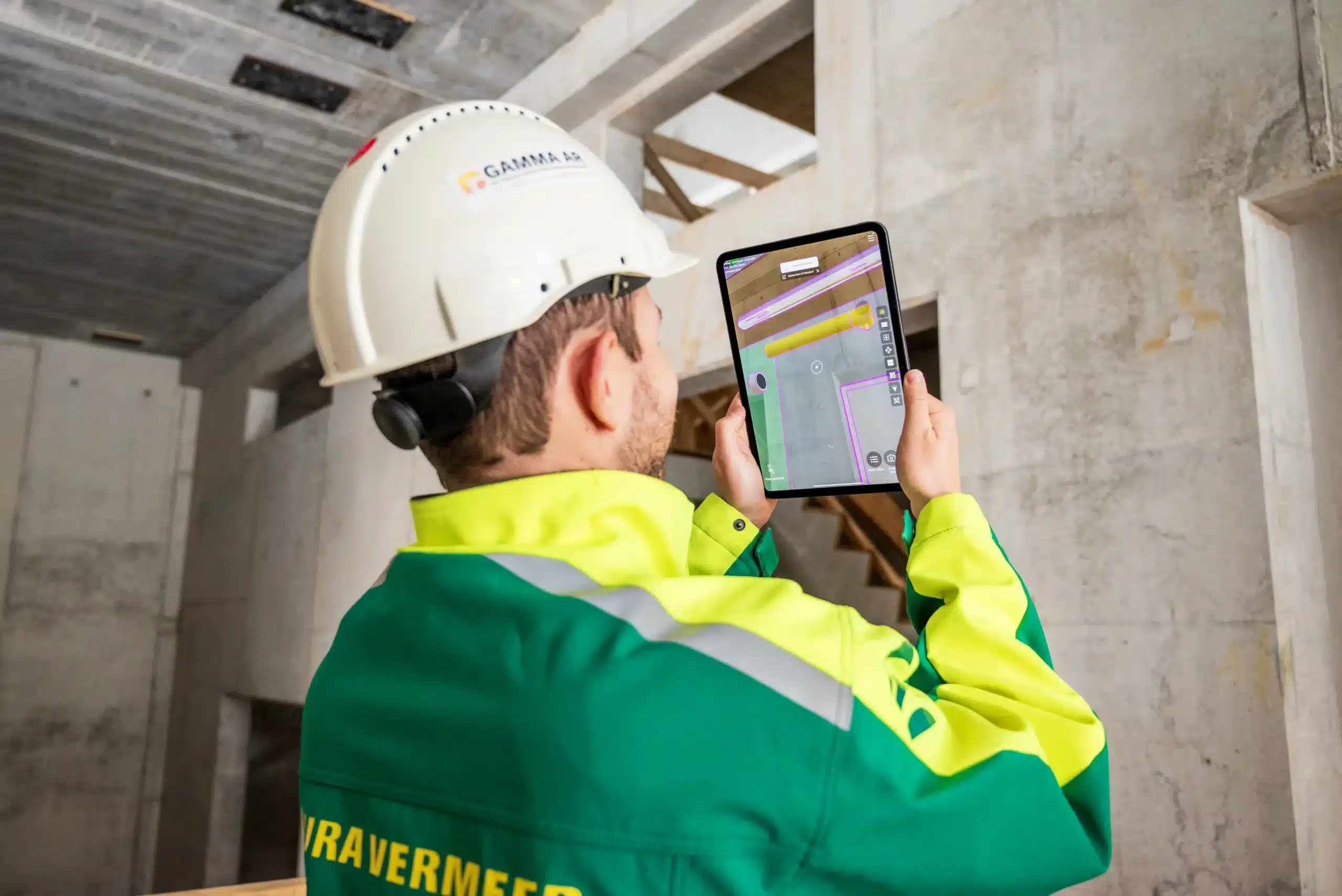
Outil de réalité augmentée destiné aux entreprises générales
Vous ne pouvez pas tout contrôler sur chantier. Mais avec GAMMA AR, vous gardez le contrôle sur la façon dont vous construisez.
GAMMA AR aide les équipes internes et les sous-traitants à atteindre leurs objectifs de qualité et à respecter les délais et le budget. Les chefs de chantier, les contremaîtres et les ingénieurs utilisent la réalité augmentée sur les chantiers afin de réduire les approximations, d’améliorer la coordination sur le terrain et de réaliser des inspections de chantier précises, des visites quotidiennes aux réunions de coordination.
Des contrôles plus rapides
Réduction des reprises
Opérationnel
Les avantages de la réalité augmentée pour les entreprises générales
Des super-pouvoirs pour vos chefs de chantier
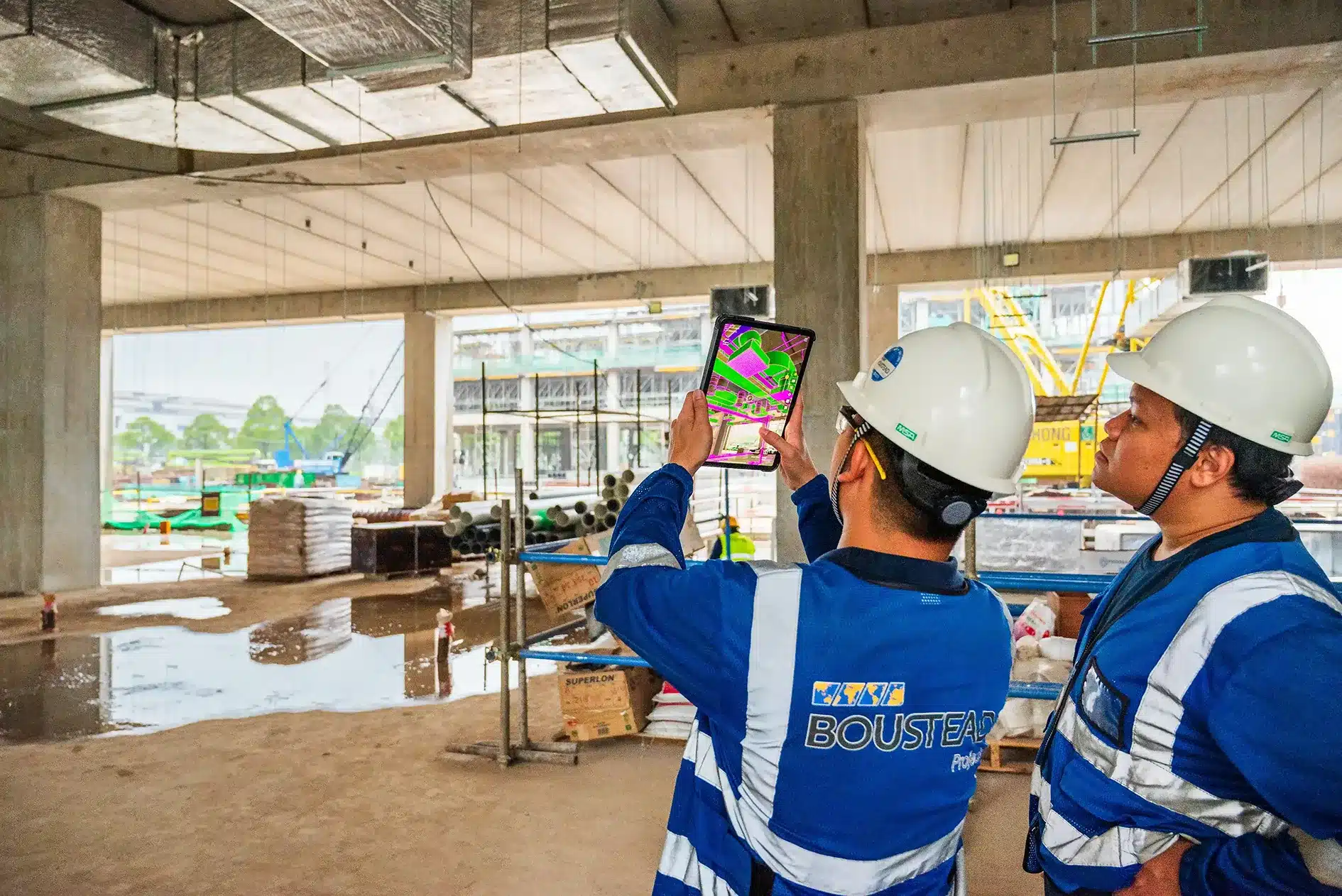
Validez
Inspectez les maquettes BIM sur chantier avant le début des travaux, détectez les problèmes en amont et vérifiez la constructibilité.
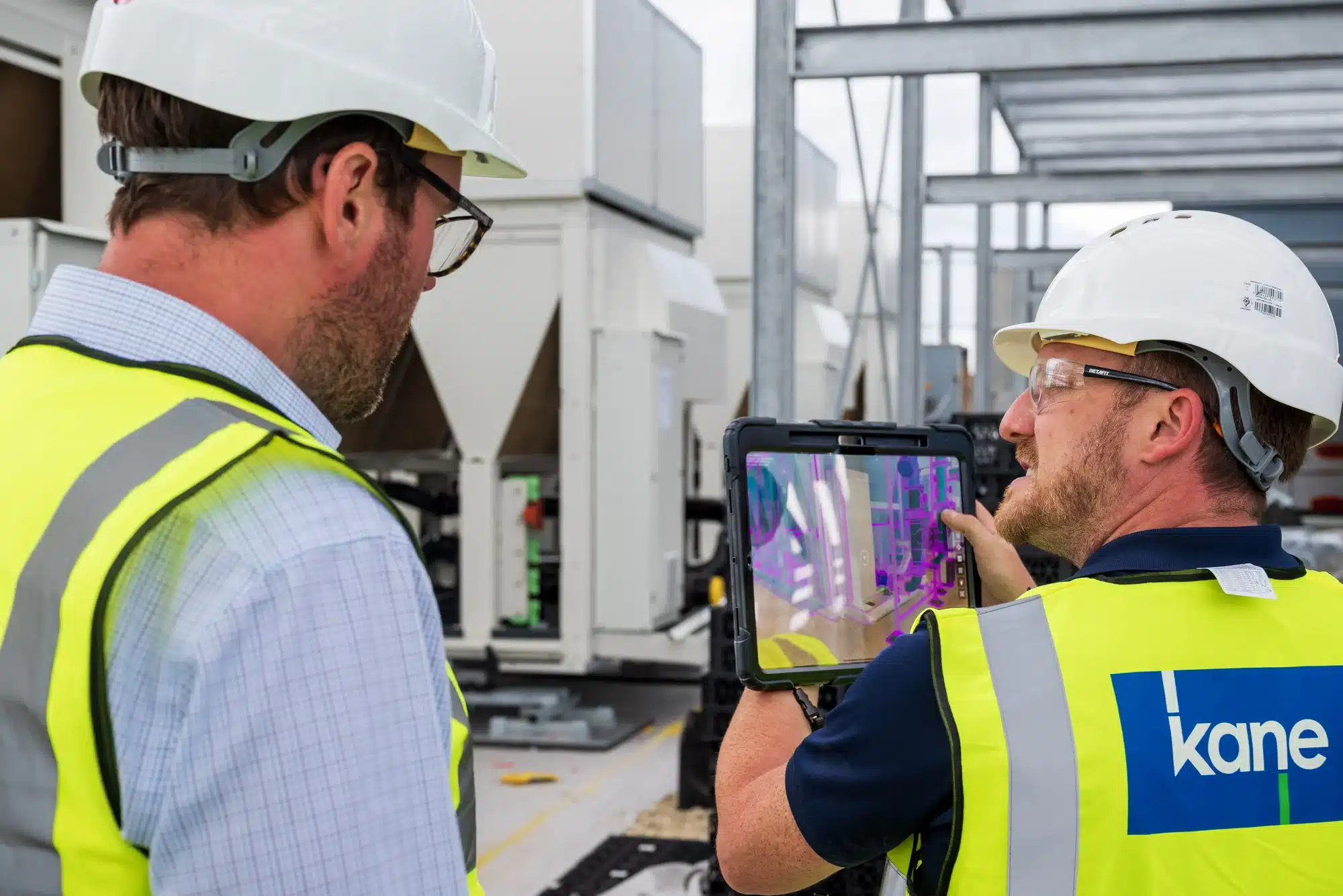
Coordonnez
Coordonnez les différents corps d’état et leur enchaînement pour garantir une exécution fluide et sans interruption.
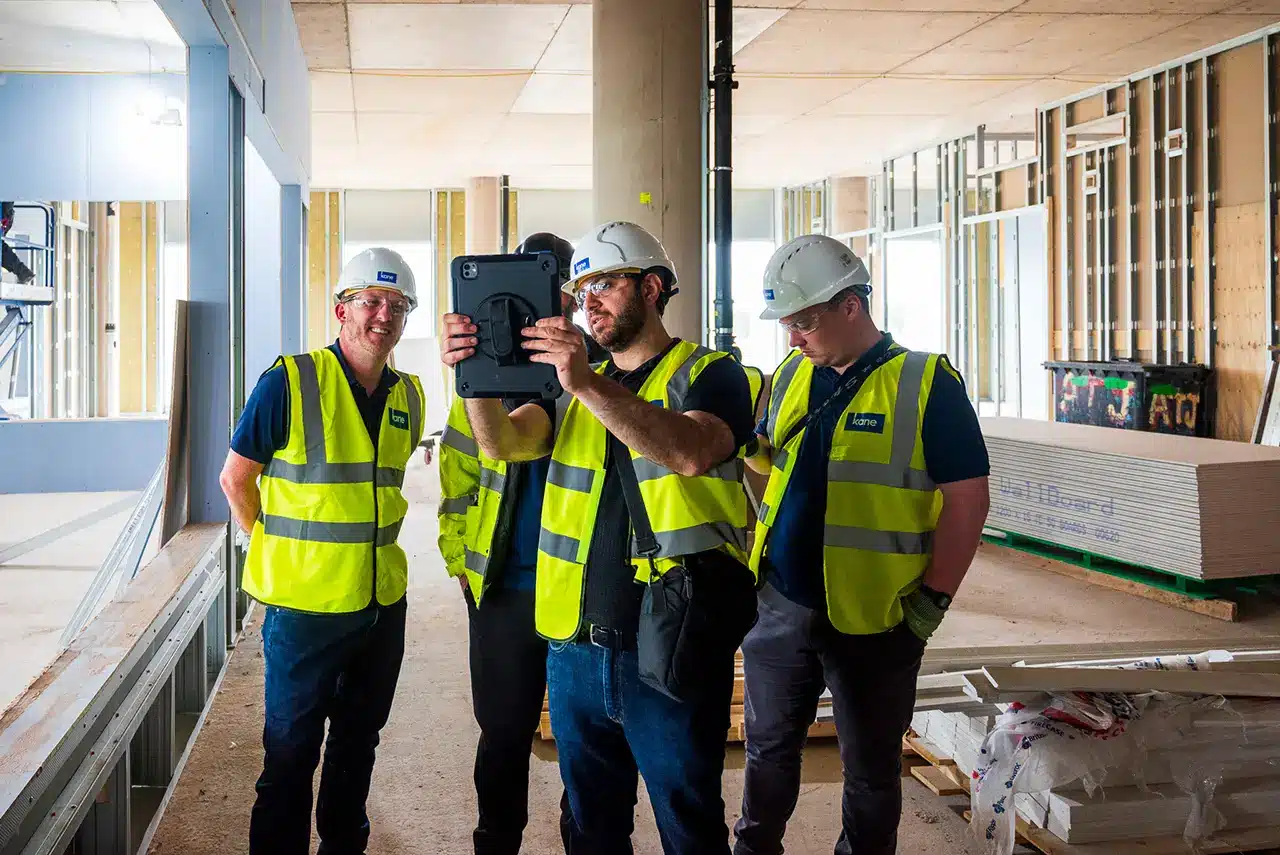
Donnez des instructions
Donnez des consignes claires aux équipes afin de réduire les demandes d'informations et les reprises.
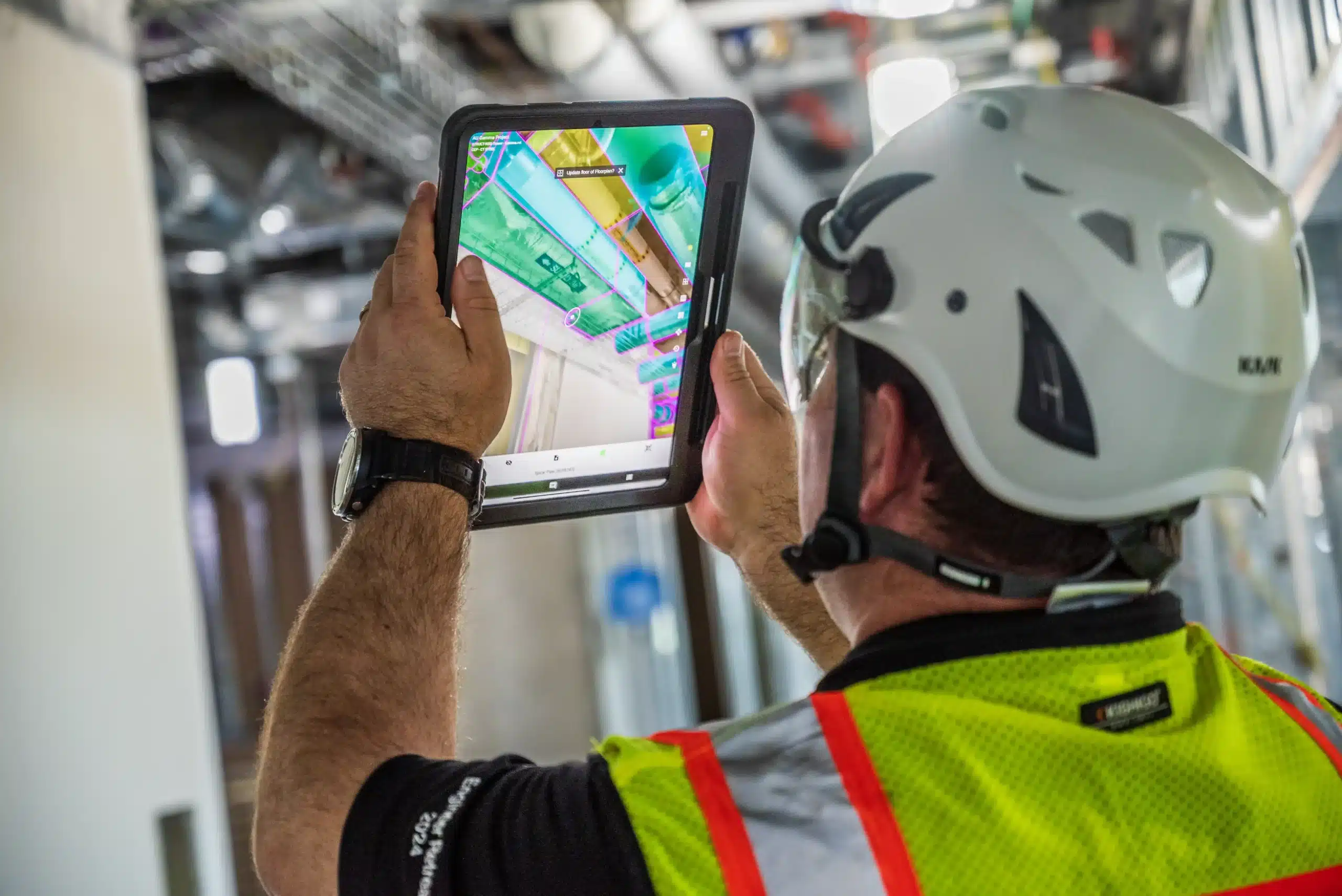
Vérifiez
Identifiez les problèmes lors des visites de chantier et résolvez-les directement sur place, ou soumettez une demande d’information (RFI).
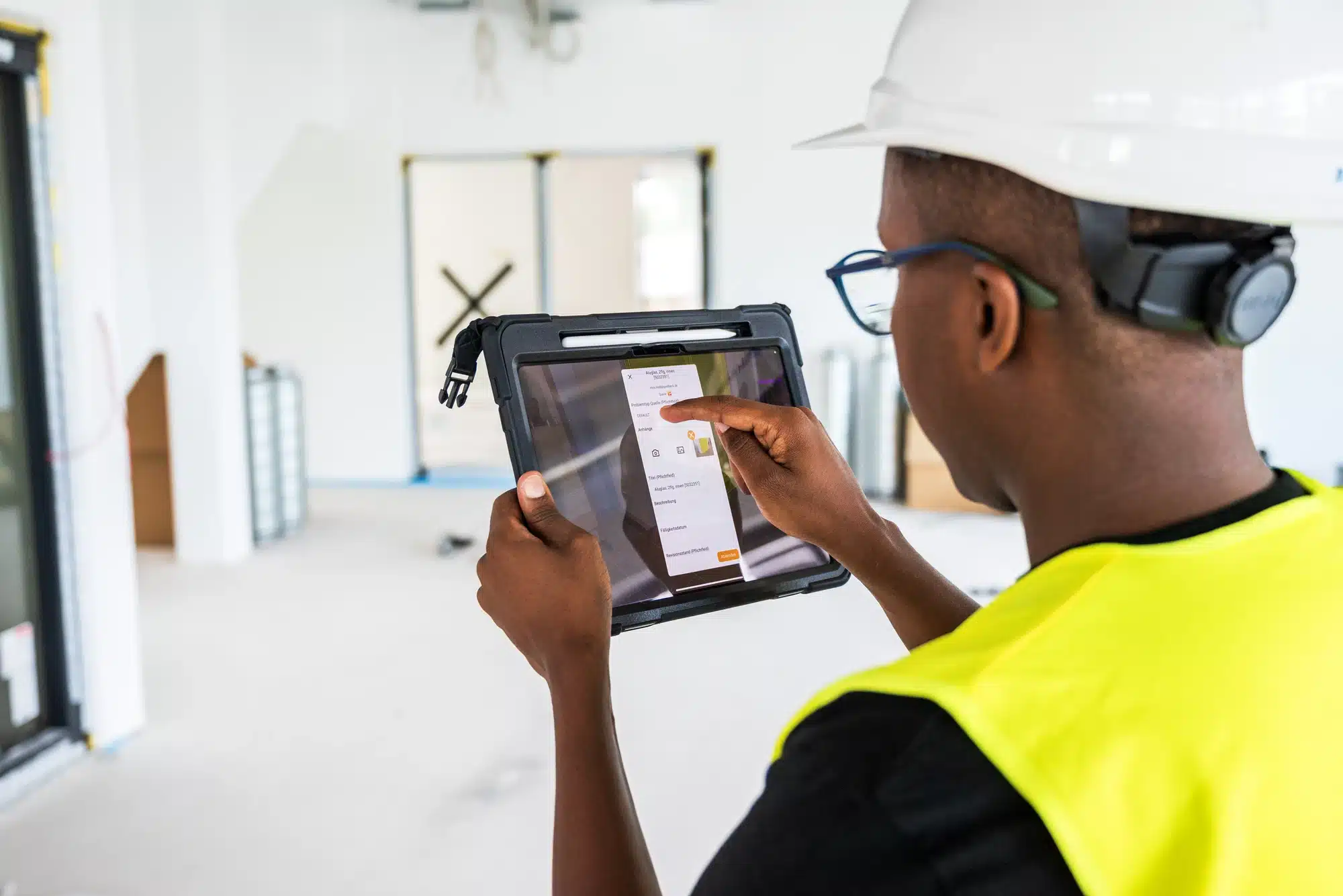
Traitez
Transmettez les problèmes nécessitant l’intervention de l’équipe projet, avec des consignes claires et contextualisées.
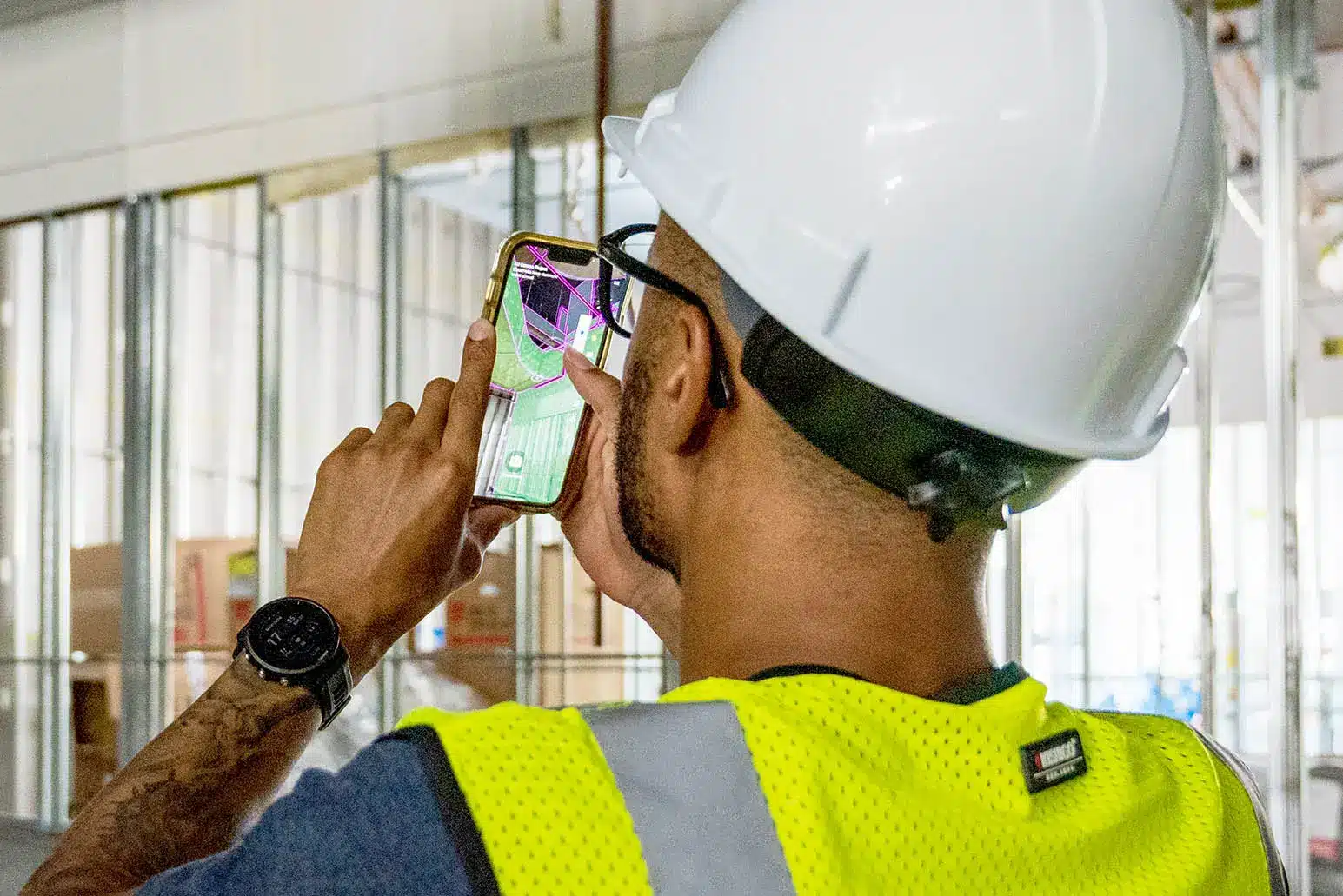
Communiquez
Communiquez l’avancement à l’équipe projet afin d’identifier et de traiter rapidement les dérives de planning.
Coordination terrain et contrôle qualité
Donnez aux conducteurs de travaux, chefs de chantier et ingénieurs les moyens d’anticiper les prochaines étapes et de garder une longueur d’avance.
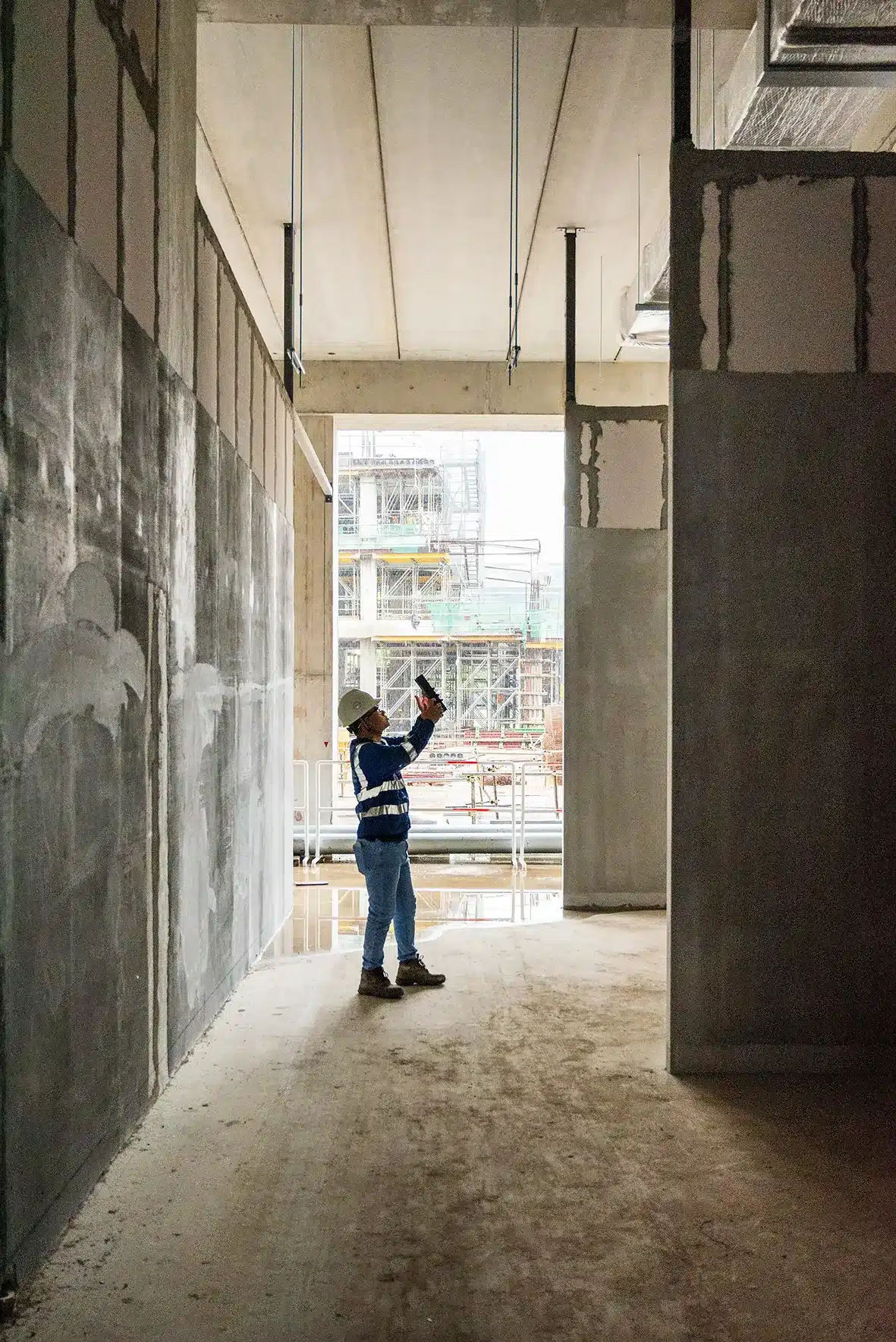
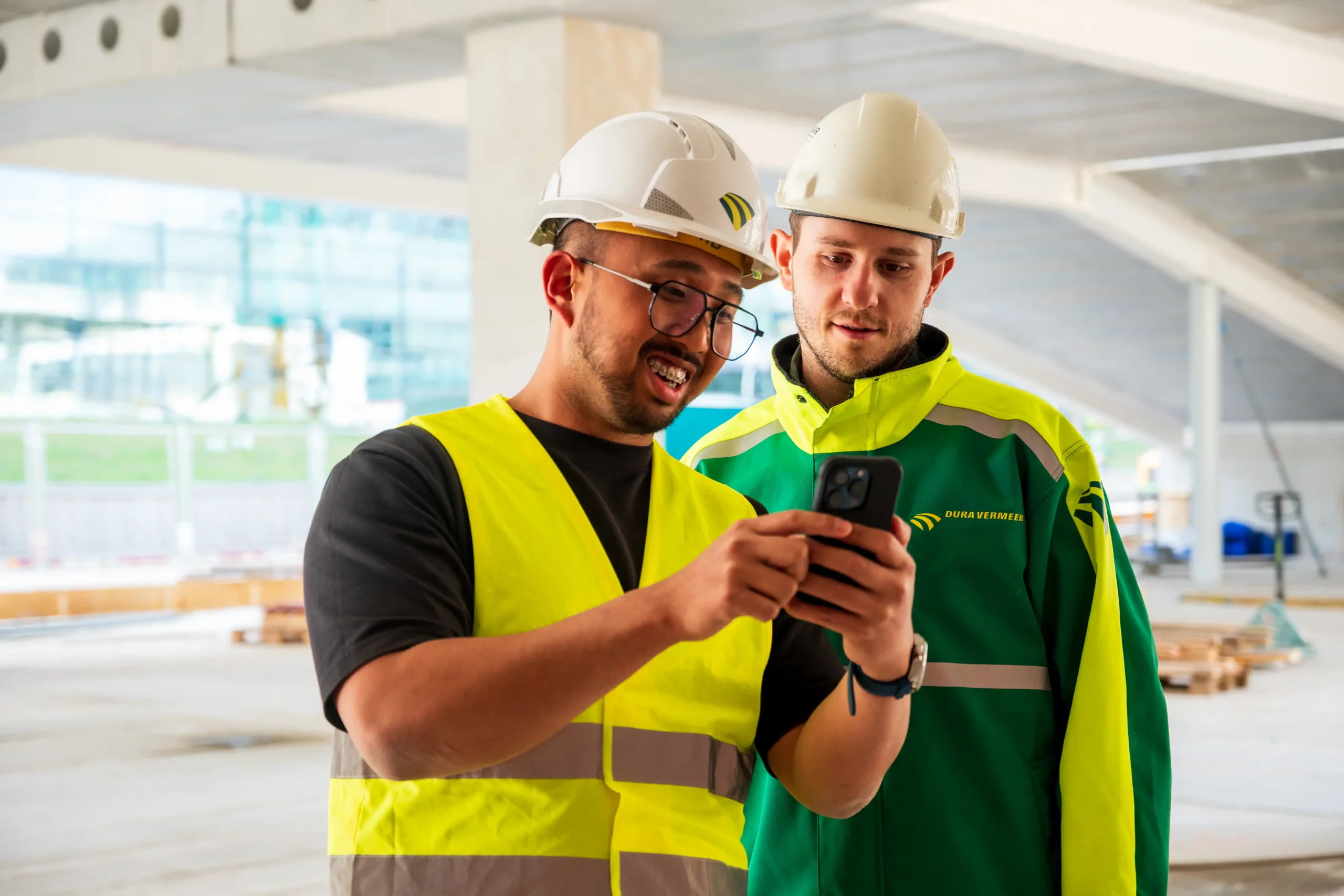
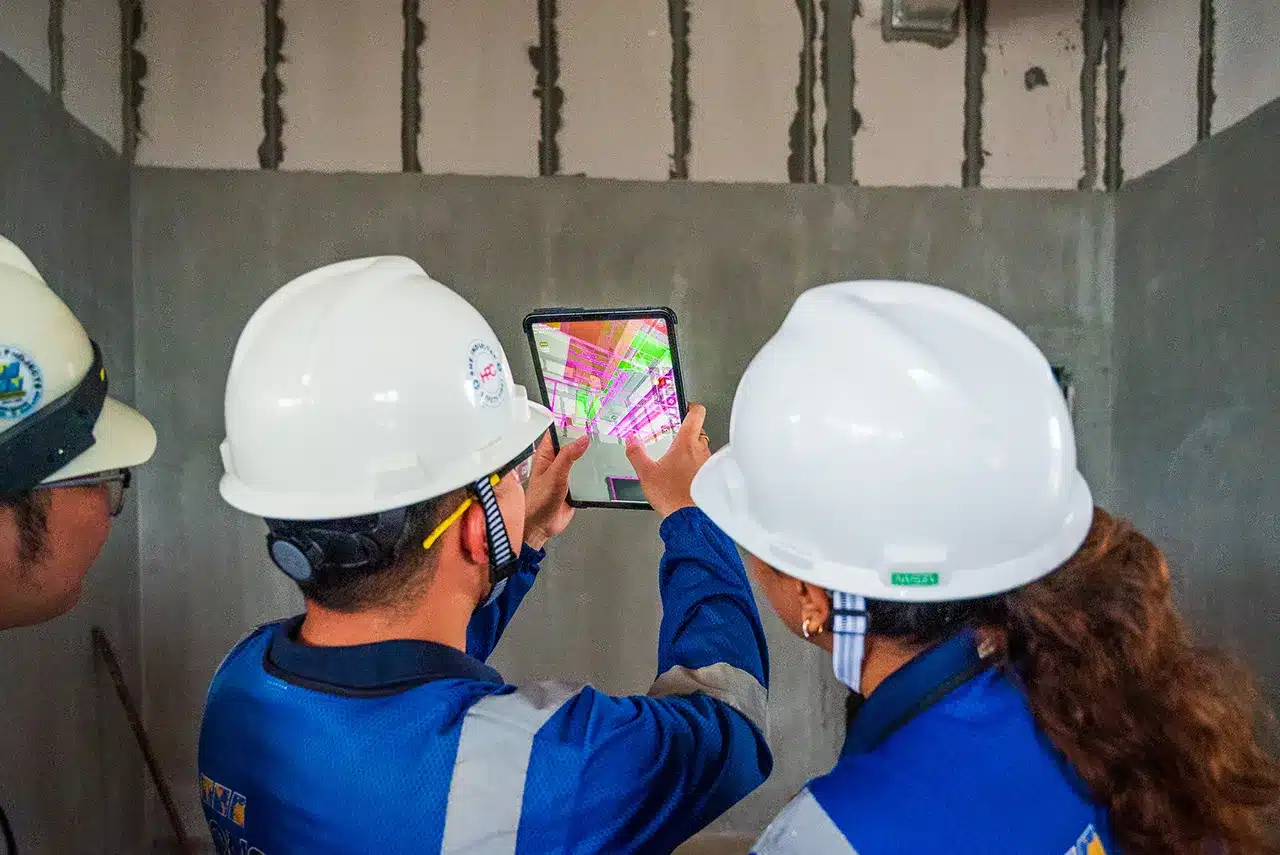
Les équipes terrain visualisent la maquette à son emplacement réel avant le début des travaux afin de vérifier la constructibilité, de détecter les conflits avec l’existant, d’identifier les conflits de cheminement et de repérer rapidement les composants manquants. Résultat : une coordination plus rapide, une communication plus claire et nettement moins de reprises.
Assurance et contrôle qualité (QA/QC) et suivi de l'avancement
Le processus de QA/QC et de suivi d’avancement le plus avancé sur chantier.
GAMMA AR accélère de 78 % les vérifications quotidiennes et les comptes rendus, sans compromis sur la qualité. Le suivi d’avancement basé sur la maquette fournit aux responsables de projet une vision instantanée et précise de l’état d’avancement sur le terrain, leur permettant de réaffecter les ressources, de valider l’achèvement des travaux et d’anticiper les retards.
Opérationnel en quelques minutes
La plupart des clients détectent leur premier problème dans les 30 minutes d'utilisation
ÉTAPE 1
S'inscrire
Inscrivez-vous sur portal.gamma-ar.com et téléchargez l'application depuis l'App Store ou le Play Store.
2 min
ÉTAPE 2
Créer un projet
Importez vos modèles BIM ou connectez-vous directement à Autodesk Forma.
5-10 min
ÉTAPE 3
Invitez votre équipe
Invitez votre équipe projet et vos chefs de chantier en un clic.
3 min
ÉTAPE 4
Parcourez le chantier
Vérifiez l'avancement, détectez les problèmes tôt et comparez à vos modèles en temps réel.
ÉTAPE 5 (facultatif)
Synchroniser les données
Synchronisez éventuellement les problèmes ou l'avancement avec ACC, BIMcollab, Procore ou Revizto.
Êtes-vous prêt à transformer vos processus de construction ?
Rejoignez les entreprises de construction qui font confiance à GAMMA AR pour leurs projets.
Adopté par les plus grandes entreprises générales à travers le monde
Découvrez comment les entreprises générales du monde entier utilisent GAMMA AR pour mener à bien leurs projets